Privacy is the baseline
Your scans are documents, not engagement data. The app is designed to keep files on your device unless you choose to export them.
seriousscanner.app
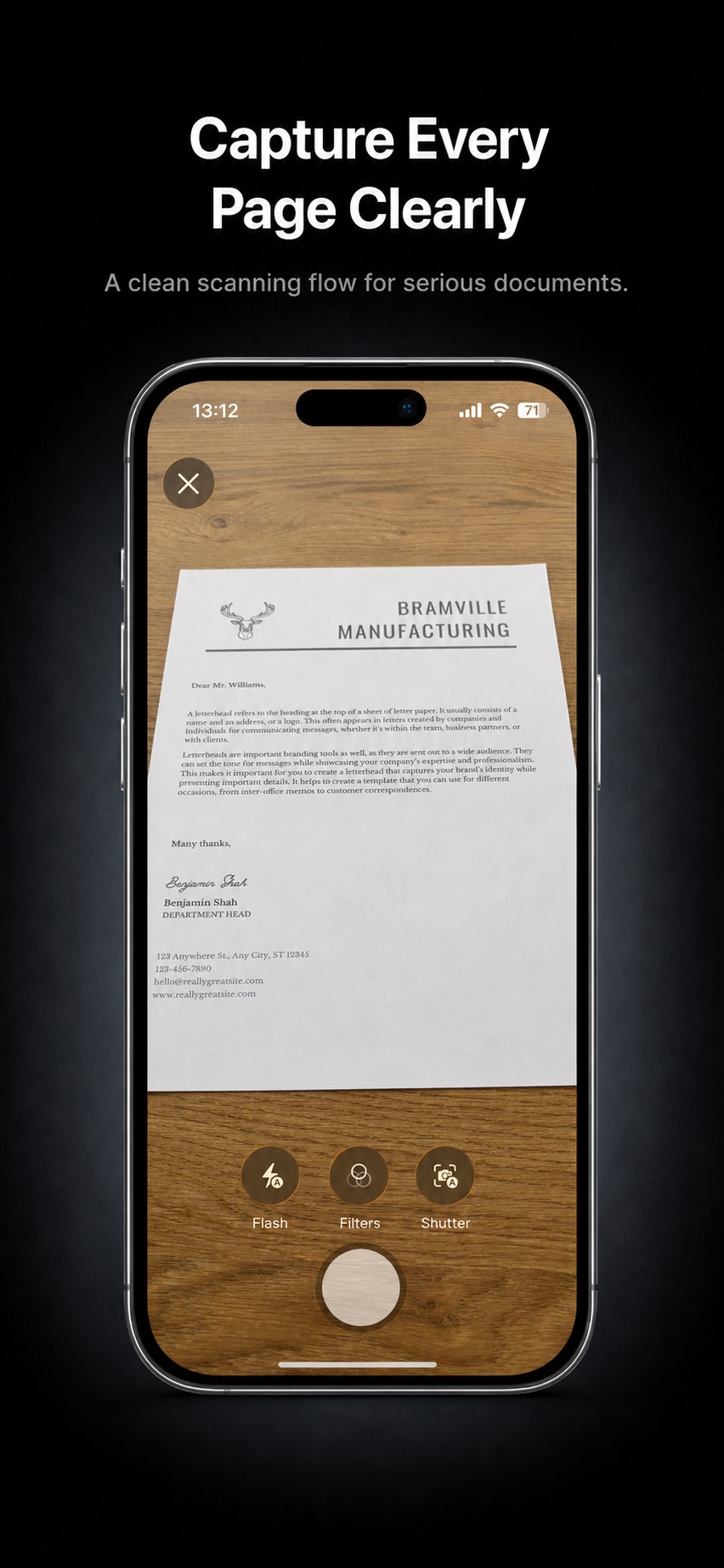
A private offline PDF scanner for iPhone and iPad. Capture documents, choose Color or Black & White, and keep every file on your device unless you decide to share it.
Why it exists
Serious Scanner is built around a simple idea: document scanning should be private, focused, and available when you need it without becoming another subscription.
Your scans are documents, not engagement data. The app is designed to keep files on your device unless you choose to export them.
Serious Scanner avoids the subscription model that has turned many simple tools into ongoing bills.
No OCR suite, e-signature workflow, or account layer. The app stays centered on the thing people actually need from a phone scanner: clear PDFs.
Everything in the app is there to help you create and manage PDFs without clutter.
Scan one page or several pages, then save them as a clean PDF document.
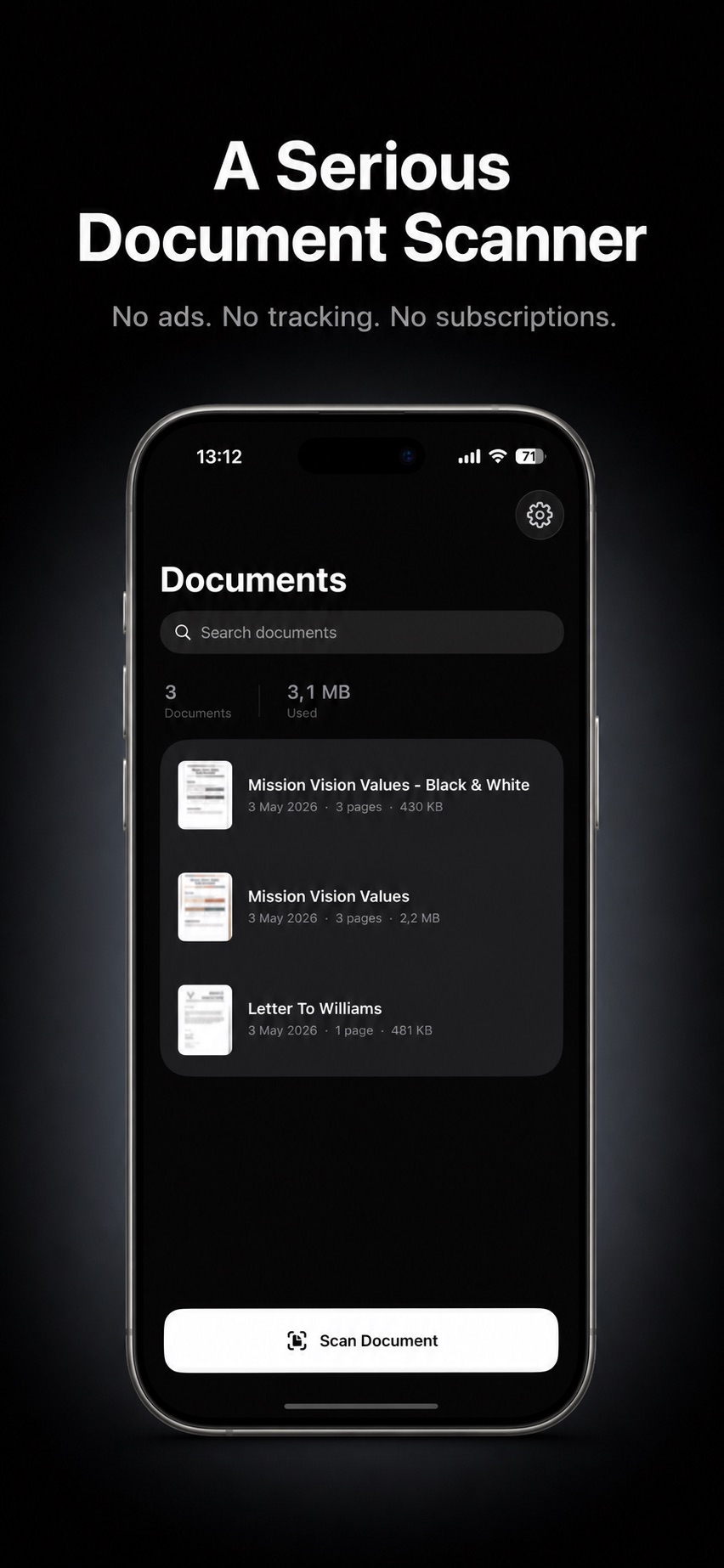
Search your saved documents and see page counts, file sizes, and dates at a glance.
Rename, duplicate, delete, preview, and share PDFs from a simple native interface.
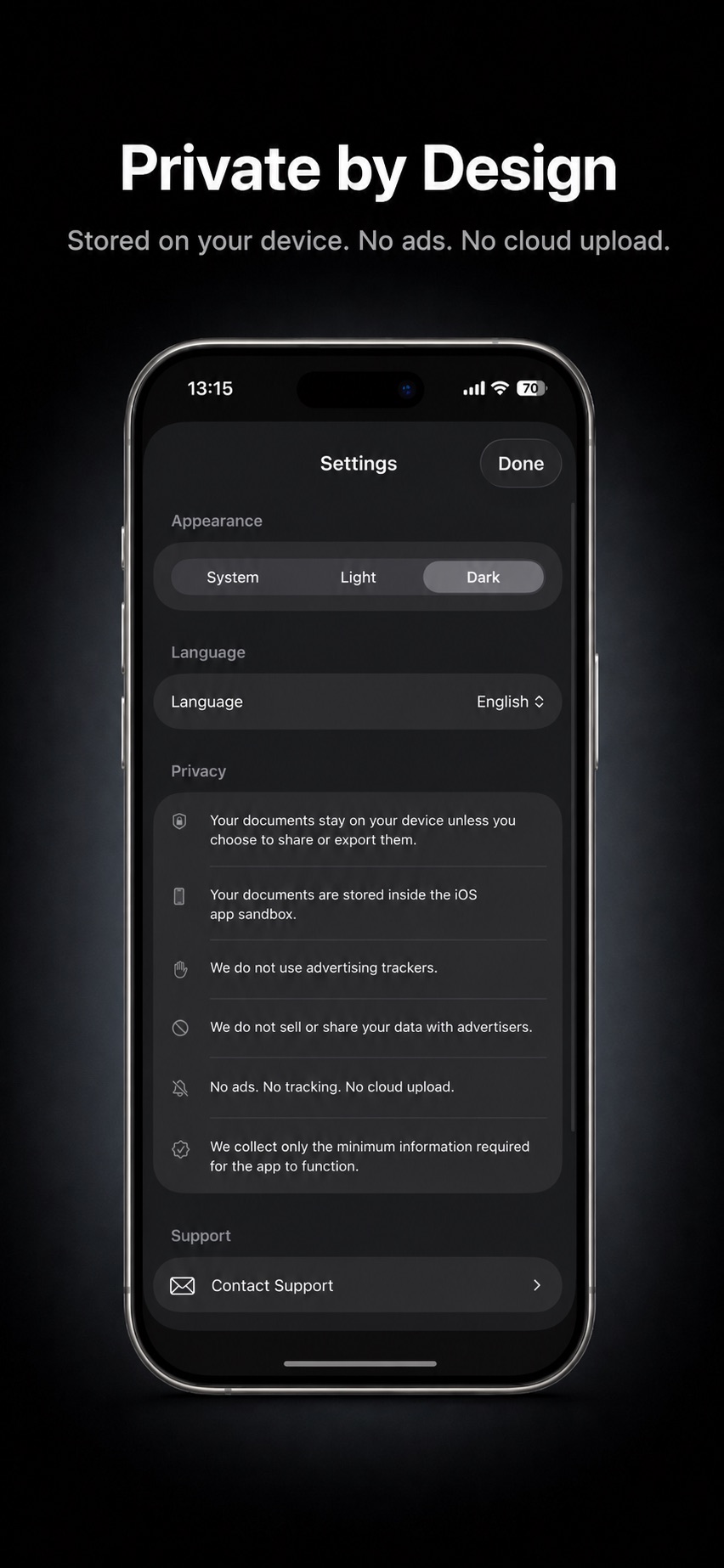
Use the system appearance or choose Light or Dark from settings.
Use Serious Scanner in English, Turkish, Spanish, German, or French.
A native SwiftUI app designed to feel at home across Apple devices.
Private by design
Serious Scanner is local-first. It does not upload your scans to a cloud service, sell your data to advertisers, or add ad tracking to your workflow.
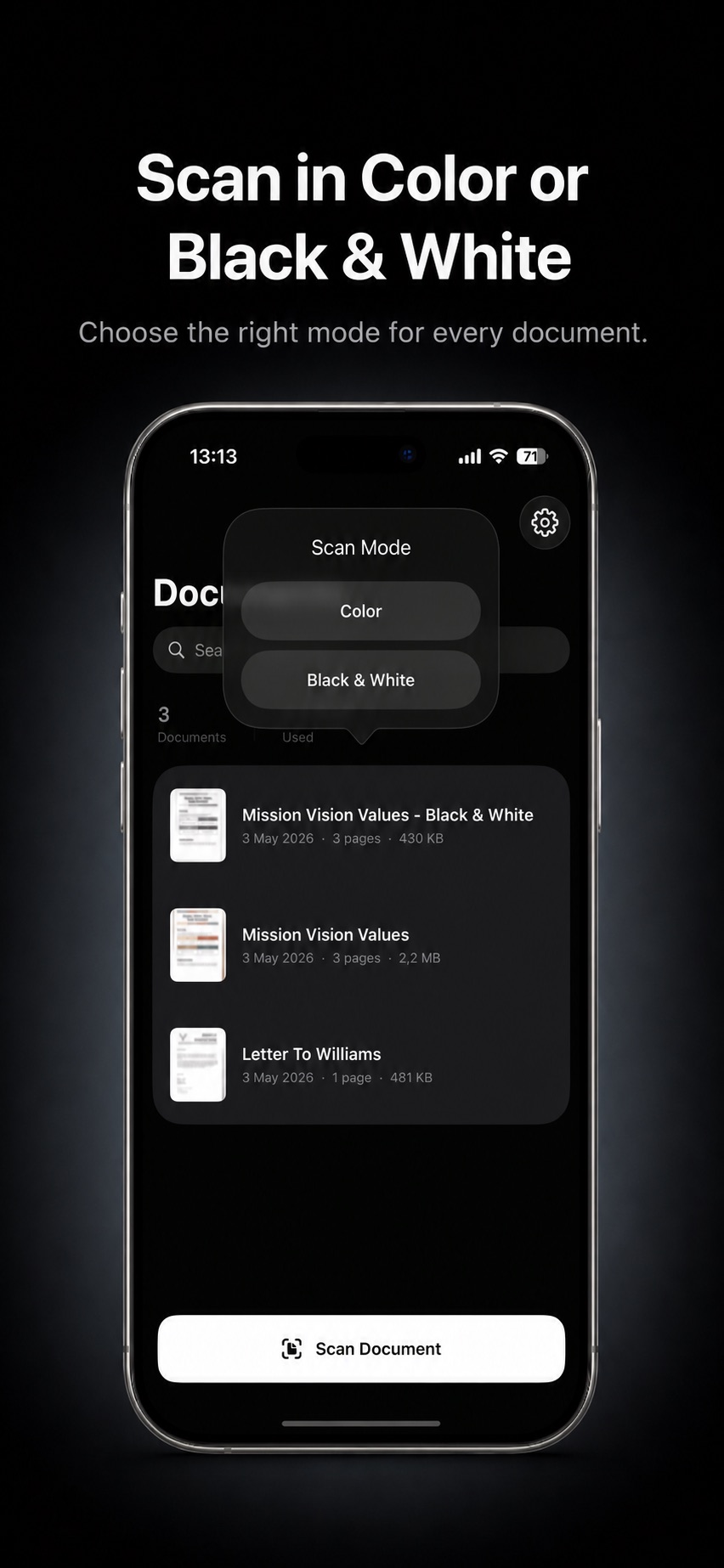
Scan documents, choose the right output mode, and manage private PDFs from a focused native interface.

For help with Serious Scanner, email support@seriousscanner.app.