Local-first by design No cloud

A private PDF scanner that never phones home.

Serious Scanner captures documents on iPhone and iPad, saves them as clean multi-page PDFs, and keeps every file on your device unless you decide to share it.

Works fully offline No account No subscription iPhone & iPad
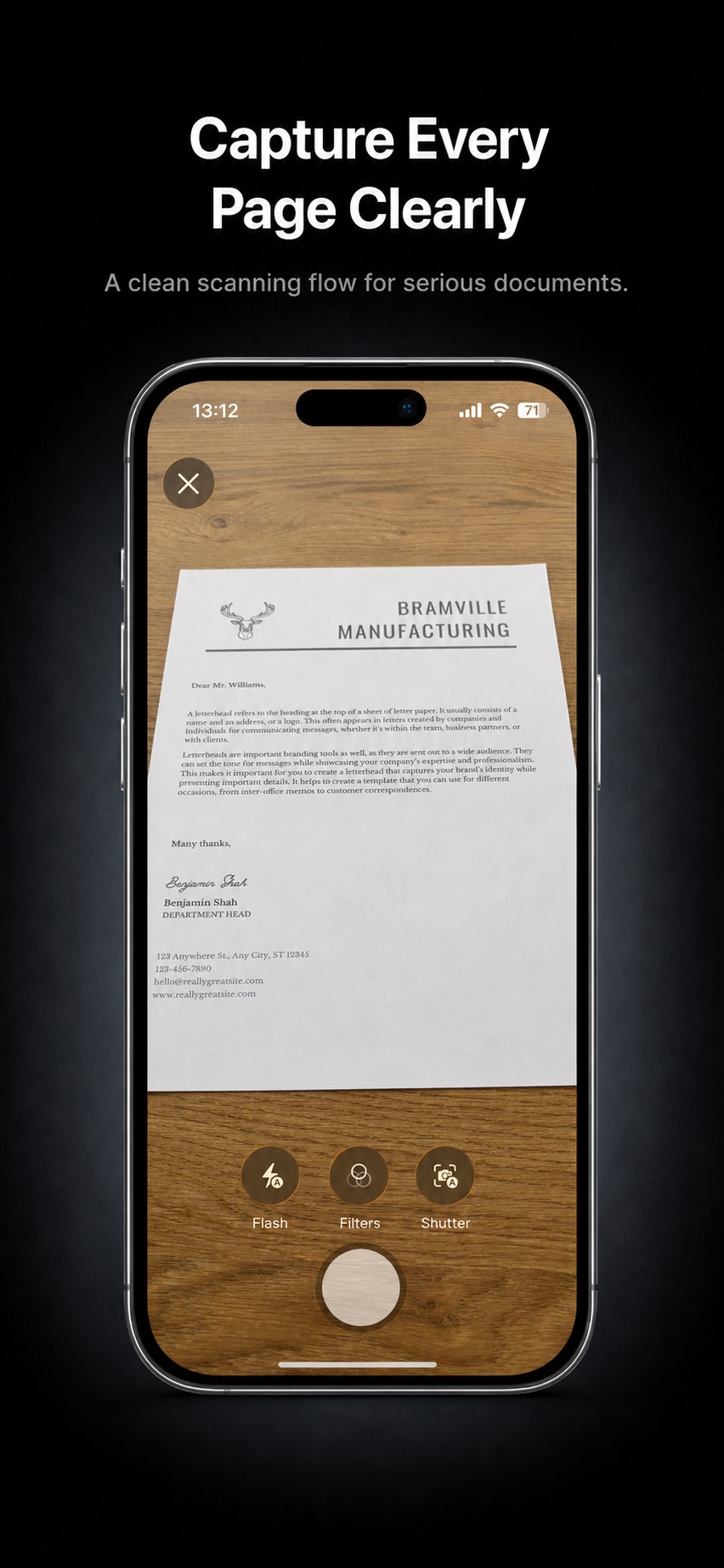
Serious Scanner scanning a document and saving it as a PDF
  • No adsNo advertising SDKs or interruptions.
  • No trackingYour app activity is not tracked for ads.
  • No cloud uploadDocuments stay local until you export.
  • No subscriptionsA scanner should not require a recurring plan.

Why it exists

A scanner, kept serious.

Serious Scanner is built around a simple idea: document scanning should be private, focused, and available when you need it without becoming another subscription.

Privacy is the baseline

Your scans are documents, not engagement data. The app is designed to keep files on your device unless you choose to export them.

No recurring plan for a utility

Serious Scanner avoids the subscription model that has turned many simple tools into ongoing bills.

Focused instead of inflated

No OCR suite, e-signature workflow, or account layer. The app stays centered on the thing people actually need from a phone scanner: clear PDFs.

Features

Clean, native, focused.

Everything in the app is there to help you create and manage PDFs without clutter.

Multi-page PDFs

Scan one page or several pages, then save them as a clean PDF document.

Document library

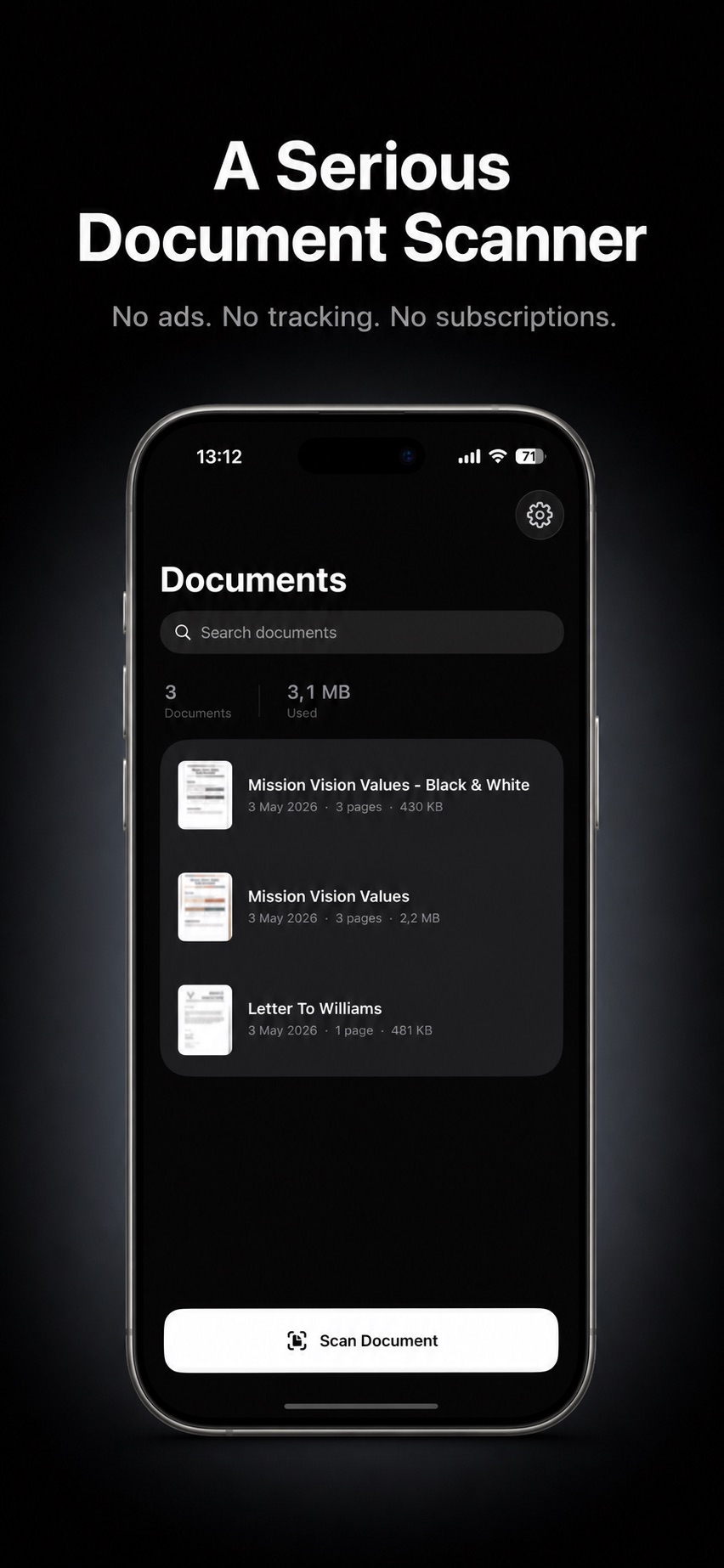
Search your saved documents and see page counts, file sizes, and dates at a glance.

Useful actions

Rename, duplicate, delete, preview, and share PDFs from a simple native interface.

Light and dark themes

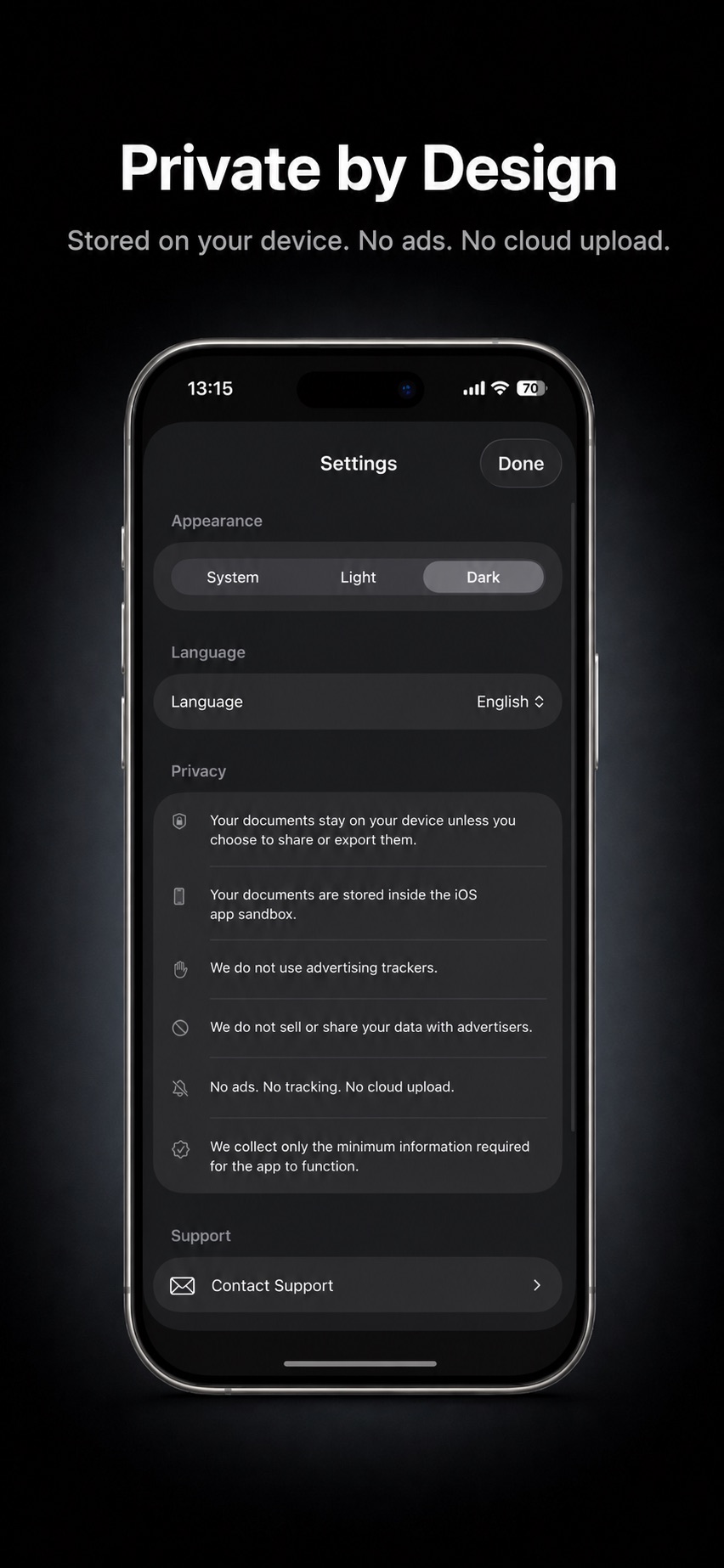
Use the system appearance or choose Light or Dark from settings.

Multiple languages

Use Serious Scanner in English, Turkish, Spanish, German, or French.

iPhone and iPad

A native SwiftUI app designed to feel at home across Apple devices.

Private by design

Your documents are yours.

Serious Scanner is local-first. It does not upload your scans to a cloud service, sell your data to advertisers, or add ad tracking to your workflow.
  • Documents stay on your device unless you choose to share or export them.
  • Files are stored inside the iOS app sandbox.
  • No ads. No tracking. No cloud upload.
  • No account or login is required to scan.
Serious Scanner privacy settings on iPhone

FAQ

Questions, answered.

Does Serious Scanner work offline?

Yes. Serious Scanner is local-first: scanning, saving and exporting all happen on the device. It does not upload your scans to a cloud service, so it keeps working with no connection at all.

Is there a subscription?

No. Serious Scanner avoids the subscription model that has turned many simple tools into ongoing bills. A scanner should not require a recurring plan.

Where are my scanned documents stored?

Inside the iOS app sandbox on your device. Documents stay there unless you choose to share or export them.

Does it do OCR or e-signatures?

No, and that is deliberate. There is no OCR suite, e-signature workflow, or account layer. The app stays centered on the thing people actually need from a phone scanner: clear PDFs.

Which languages does it support?

English, Turkish, Spanish, German, and French.

Does it work on iPad?

Yes. It is a native SwiftUI app designed to feel at home across iPhone and iPad.

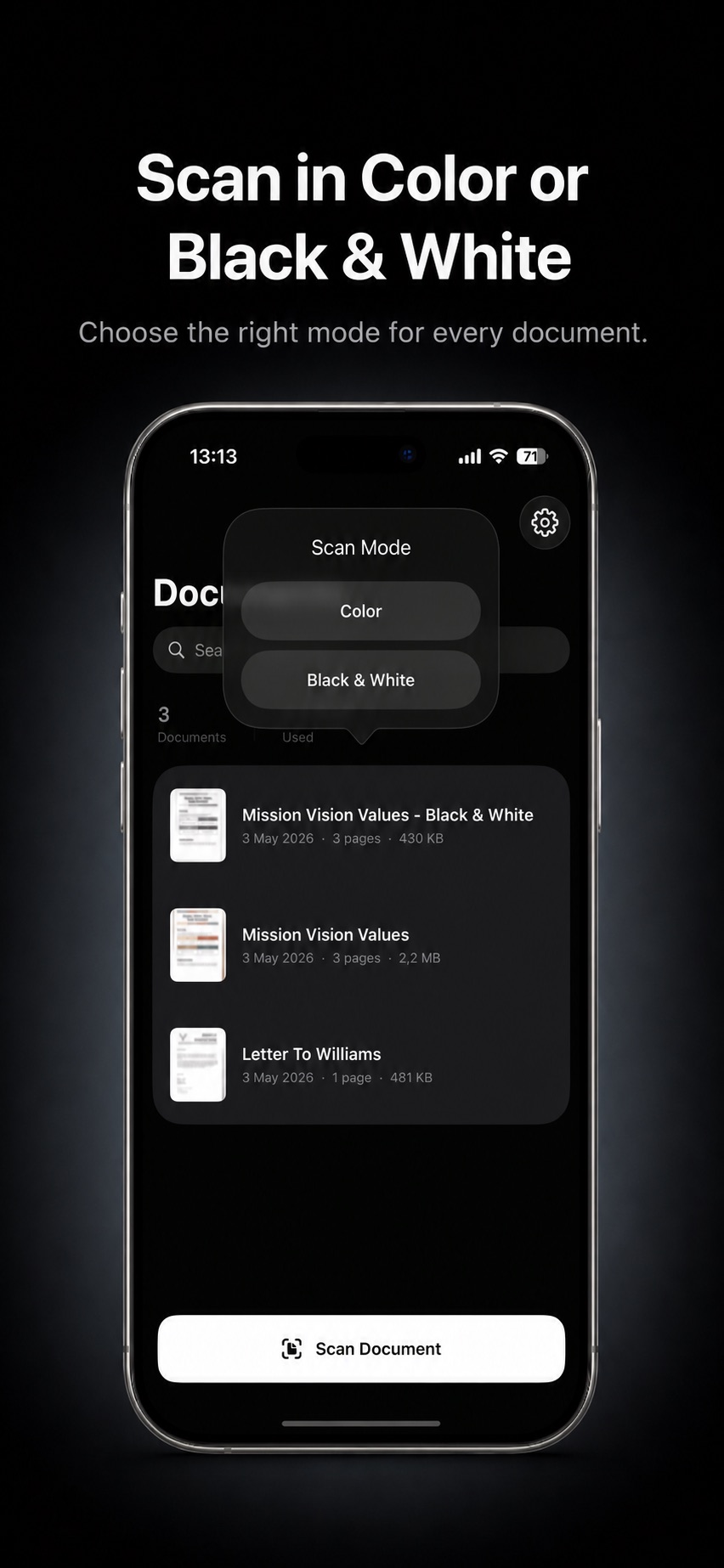
Can I scan in black and white?

Yes. You can choose Color or Black & White output when you capture a document.

What can I do with a saved PDF?

Rename, duplicate, delete, preview, and share it from a simple native interface. The document library shows page counts, file sizes and dates, and is searchable.

Scan it. Keep it. Nobody else needs a copy.

Download Serious Scanner for iPhone and iPad — no account, no subscription, no cloud.

Support

For help with Serious Scanner, email support@seriousscanner.app.

support@seriousscanner.app